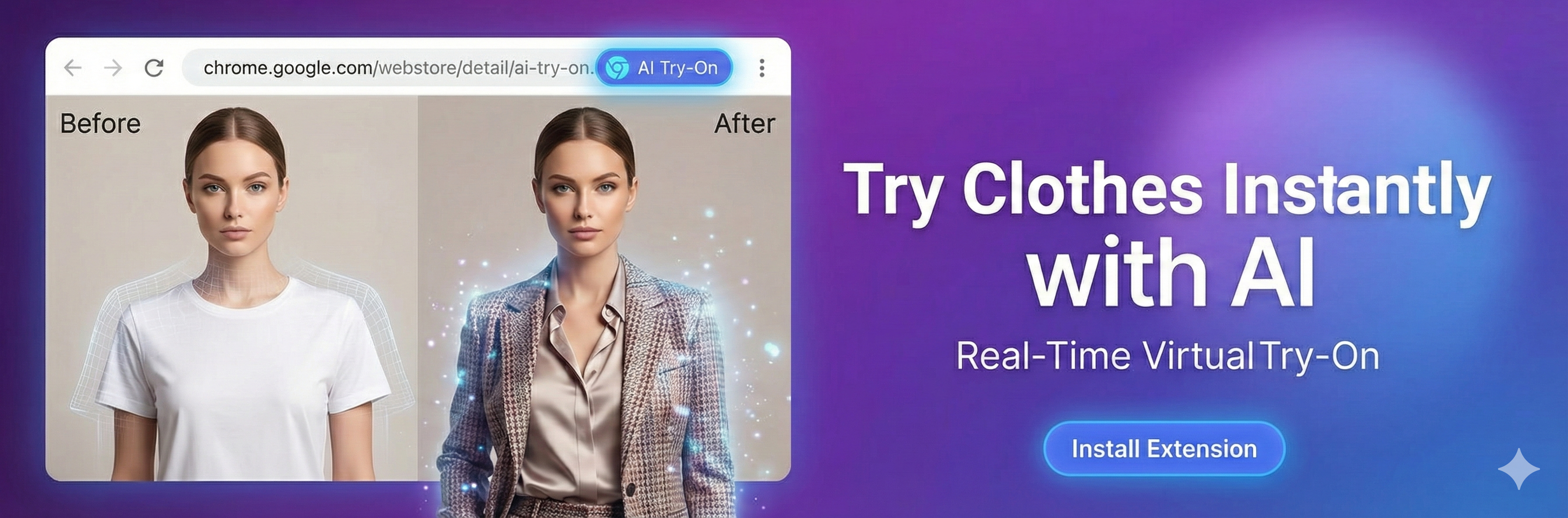

<!-- Banner 300x100 (3:1 Rectangle) -->
<a href="https://chromewebstore.google.com/detail/ai-tryon/hmlgfpkihgldffodamaopabplmpibedj" target="_blank" rel="noopener noreferrer">
    <img src="assets/integration-banner-1.png.png" alt="AI Try-On Integration" width="300" height="100">
</a>

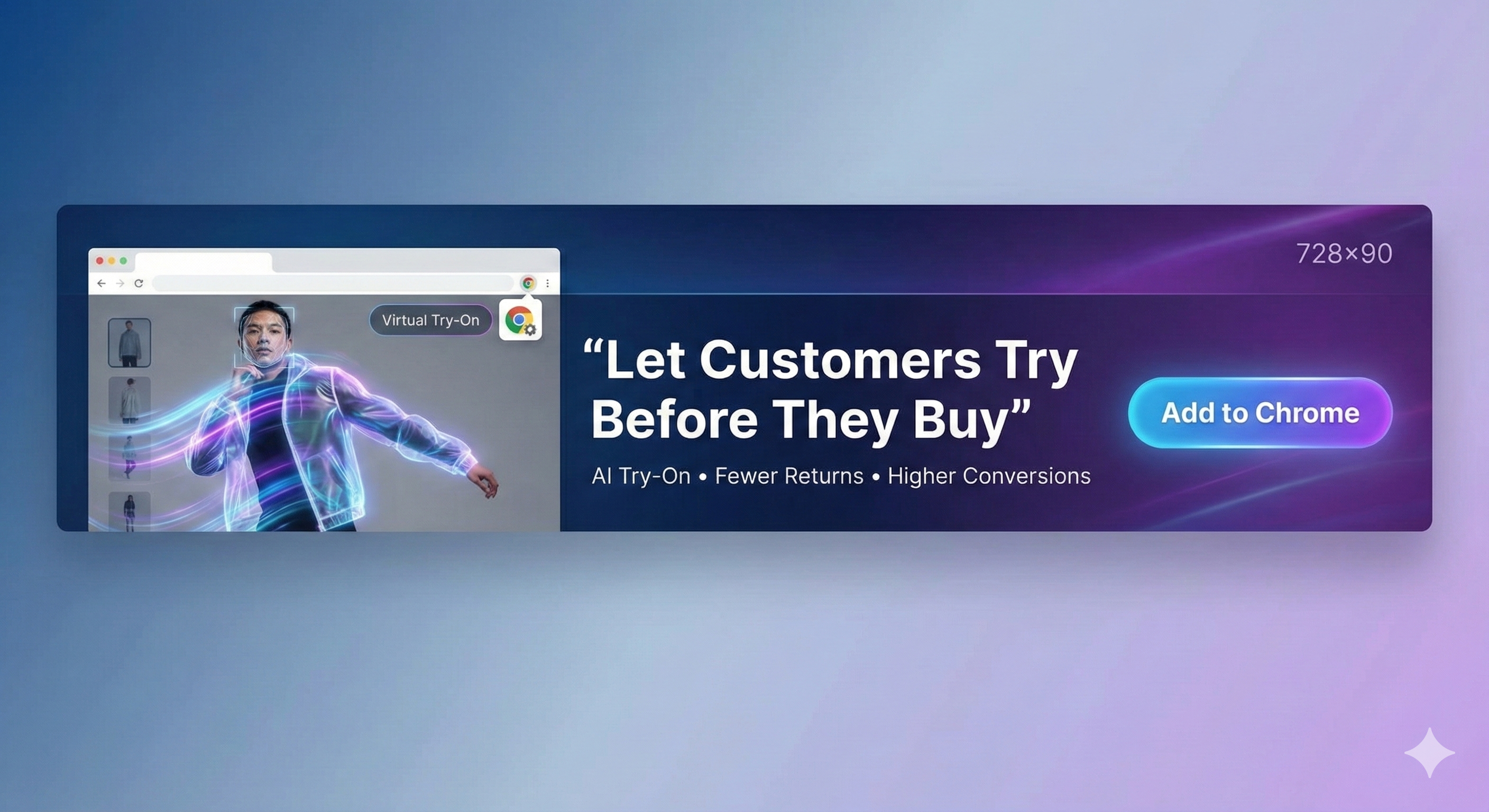
<!-- Banner 728x90 (Leaderboard) -->
<a href="https://chromewebstore.google.com/detail/ai-tryon/hmlgfpkihgldffodamaopabplmpibedj" target="_blank" rel="noopener noreferrer">
    <img src="assets/integration-banner-2.png.png" alt="AI Try-On Integration" width="728" height="90">
</a>

<!-- Banner 468x60 (Full Banner) -->
<a href="https://chromewebstore.google.com/detail/ai-tryon/hmlgfpkihgldffodamaopabplmpibedj" target="_blank" rel="noopener noreferrer">
    <img src="assets/integration-banner-3.png.png" alt="AI Try-On Integration" width="468" height="60">
</a>

<!-- Banner 234x60 (Half Banner) -->
<a href="https://chromewebstore.google.com/detail/ai-tryon/hmlgfpkihgldffodamaopabplmpibedj" target="_blank" rel="noopener noreferrer">
    <img src="assets/integration-banner-1.png.png" alt="AI Try-On Integration" width="234" height="60">
</a>
How to Use:
- Copy the banner HTML code above (choose the size that fits your website layout)
- Paste it into your website's HTML where you want the banner to appear
- Update the image path if needed (ensure the banner image is accessible from your website)
- When visitors click on the banner, they will be redirected to the Chrome Web Store to install the AI Try-On extension
Security Reminder
The integration snippet is designed with security in mind:
- The snippet does not expose API keys
- No backend URLs are exposed
- No environment variables are included
- No internal extension code is exposed
- It only loads a small JS loader that interacts with our Chrome Extension